ChatGPT Images 2.5 AI 图片生成器
用对话创建和编辑图片,支持 GPT Images 2.5 及多种模型。描述需求,由 AIImages25 选择合适流程。
为你推荐
什么是 ChatGPT Images 2.5?
ChatGPT Images 2.5 is an AI image generation and editing model designed for creating visuals from natural-language instructions and refining existing images through conversational edits. Users may also refer to it as GPT Images 2.5, GPT Image 2.5 or simply Images 2.5.
AIImages25 provides a simple conversational workspace for generating and editing images with GPT Images 2.5 and other supported AI models, without requiring users to learn complex prompt engineering. It is an independent product and is not an official OpenAI website.
如何使用 GPT Images 2.5
- 1
Describe your image
Type a clear prompt—subject, style, lighting and mood. You can also attach a reference photo for edits.
- 2
Choose a model or use Auto
Pick GPT Images 2.5 or another supported model, or leave Auto selected and let AIImages25 route the request.
- 3
Generate or edit
Start a chat generation. Results appear in the conversation so you can review and continue.
- 4
Refine with follow-up instructions
Ask for changes in plain language—swap colors, adjust composition, or try another style without starting over.
What Can You Create with AIImages25?
Portraits
Stylized or photoreal portraits from a short description.
Product Photos
Clean product visuals for listings and ads.
Virtual Makeup
Soft makeup looks while keeping facial identity.
Style Transfer
Redraw photos in Pixar, Ghibli or other styles.
Logo Design
Minimal marks and brand icons from text briefs.
Poster Design
Bold posters and covers with readable layouts.
Social Media Covers
Channel art and square posts for social channels.
Photo Editing
Instruction-based edits on an uploaded reference.
Background Replacement
Swap scenes while keeping the subject stable.
Creative Illustration
Concept art, maps and stylized illustrations.
支持的 AI 模型
Switch between GPT Images 2.5 and other image models in one chat workspace. Open a model page for features, prompts and credit rates.
GPT Images 2.5
GPT Images 2.5 (also called ChatGPT Images 2.5 or Images 2.5) is an instruction-following AI image model for creating and refining visuals from natural-language prompts. On AIImages25 it maps to our GPT Image 2 workflow for strong prompt fidelity and text-aware generation.
View model →
Nano Banana 2
Nano Banana 2 is a multi-resolution Google image model suited for fusion-style edits and fast creative exploration on AIImages25.
View model →
Flux Kontext Pro
Flux Kontext Pro is an editing-focused Flux model for instruction-based image changes while preserving composition.
View model →
Seedream 5.0 Pro
Seedream 5.0 Pro is a high-detail image model for polished portraits, products and marketing visuals.
View model →
FLUX Schnell
FLUX Schnell is an ultra-fast draft model for rapid ideation when speed matters more than maximum detail.
View model →
Qwen Image Edit
Qwen Image Edit focuses on image-to-image editing workflows for refining existing photos with text instructions.
View model →
最佳 GPT Images 2.5 提示词
Copy a ready-made prompt or open the full Prompt Library to browse more examples.
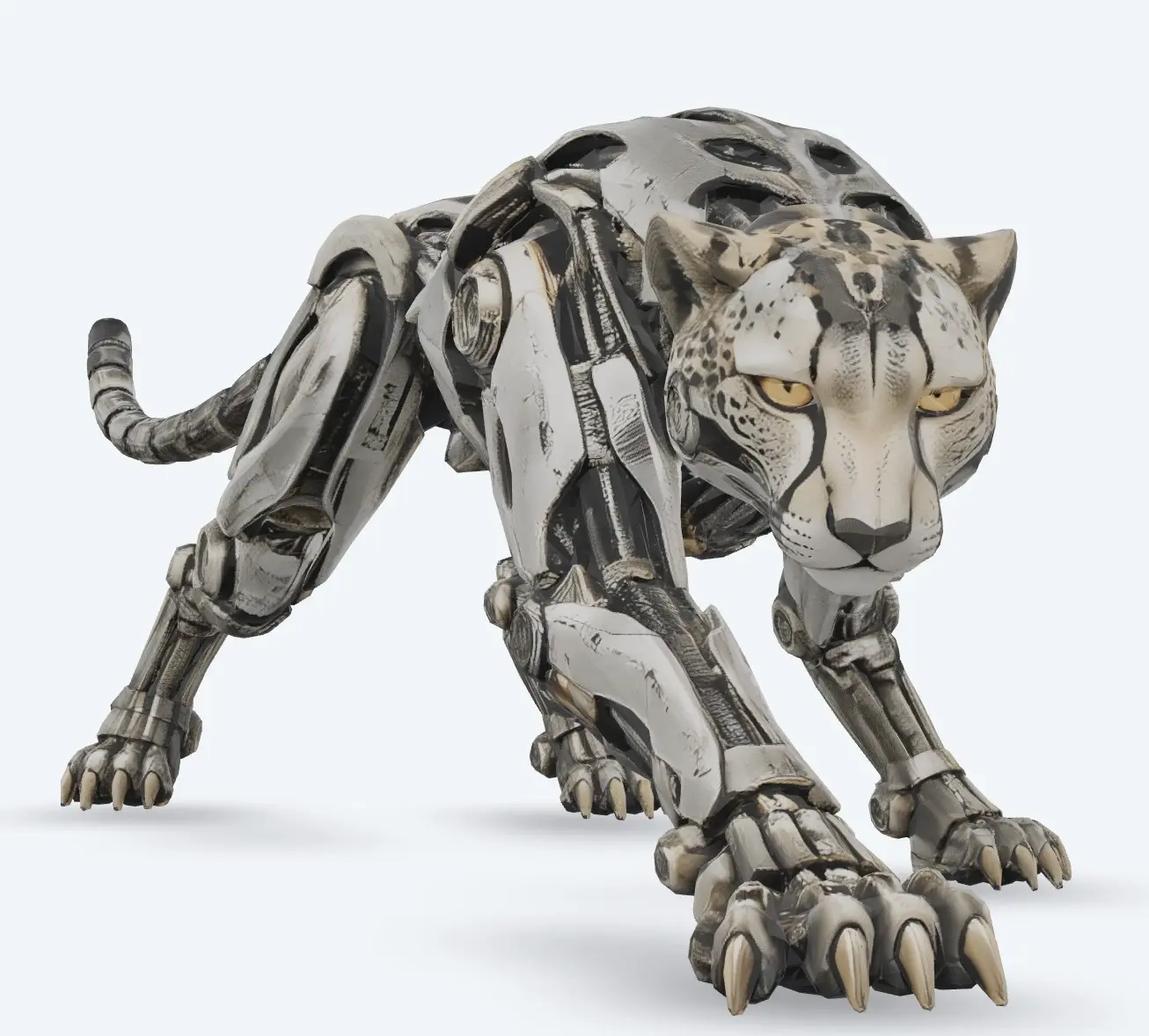
3D Town Map
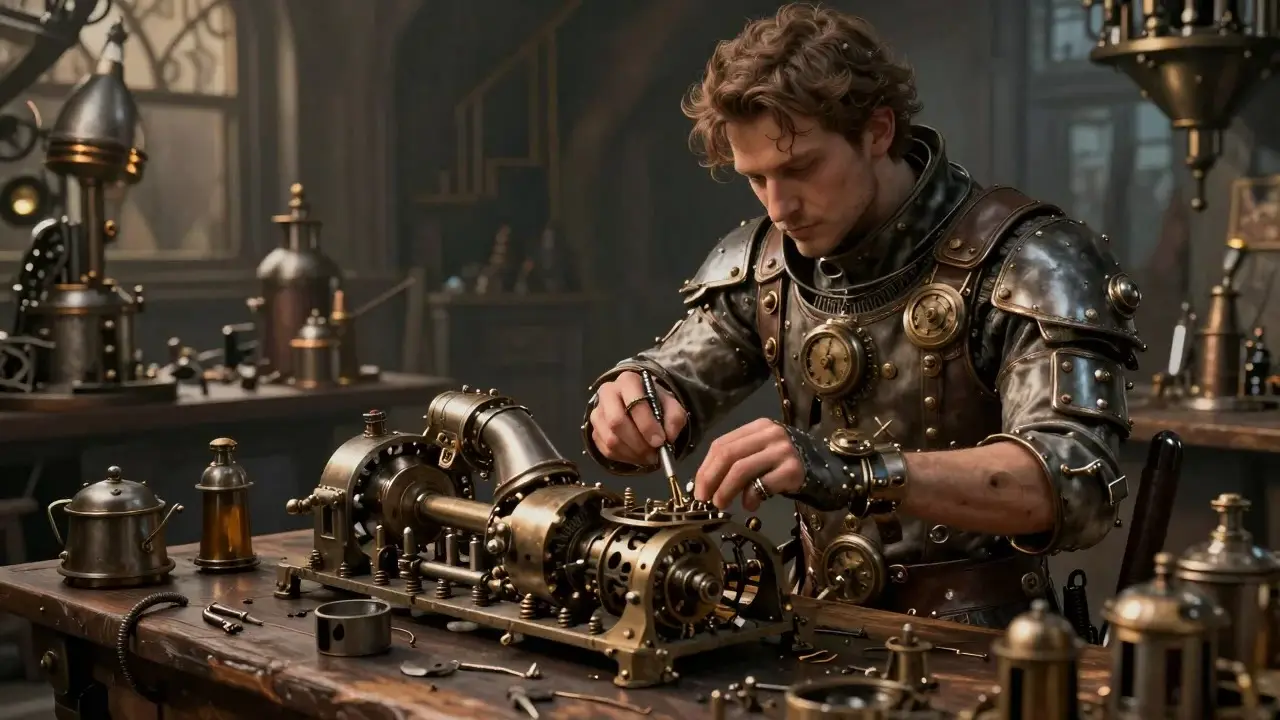
Cyberpunk Samurai
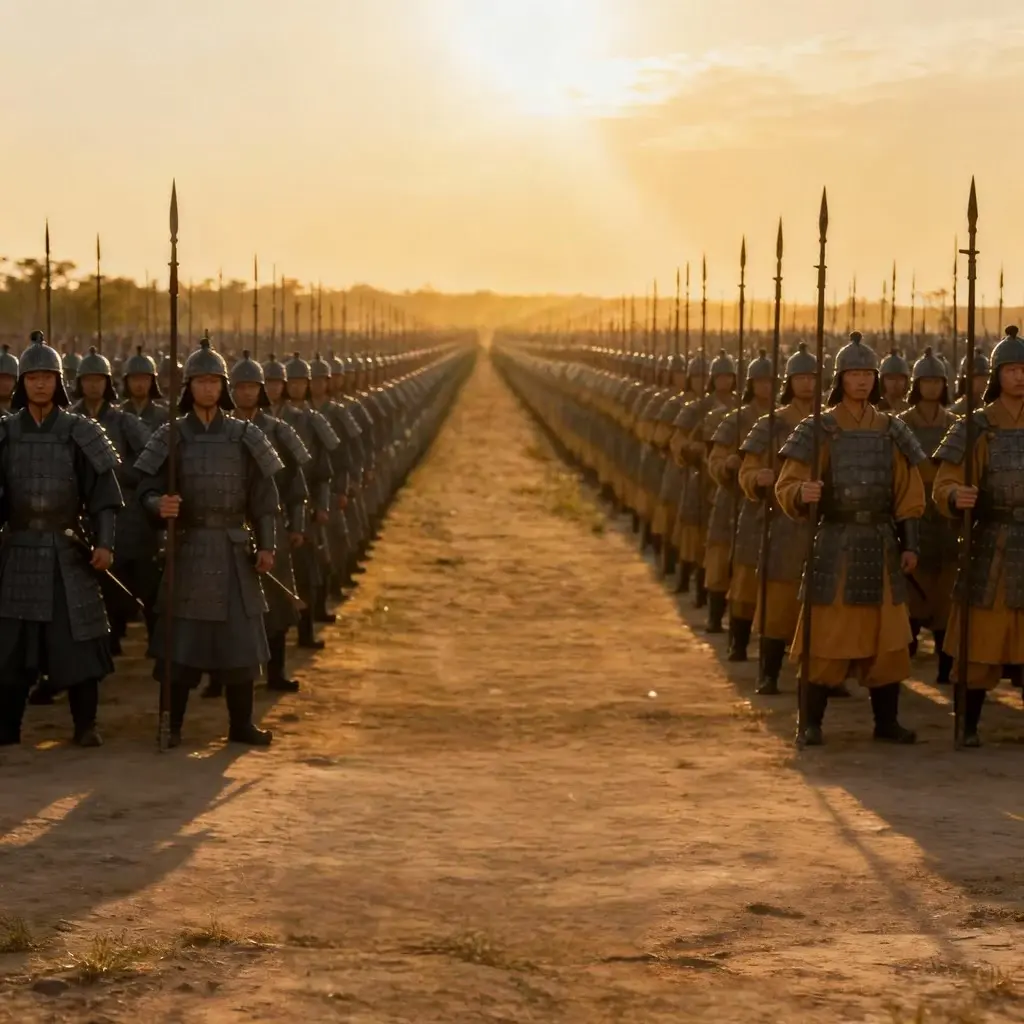
Wine Bottle Label
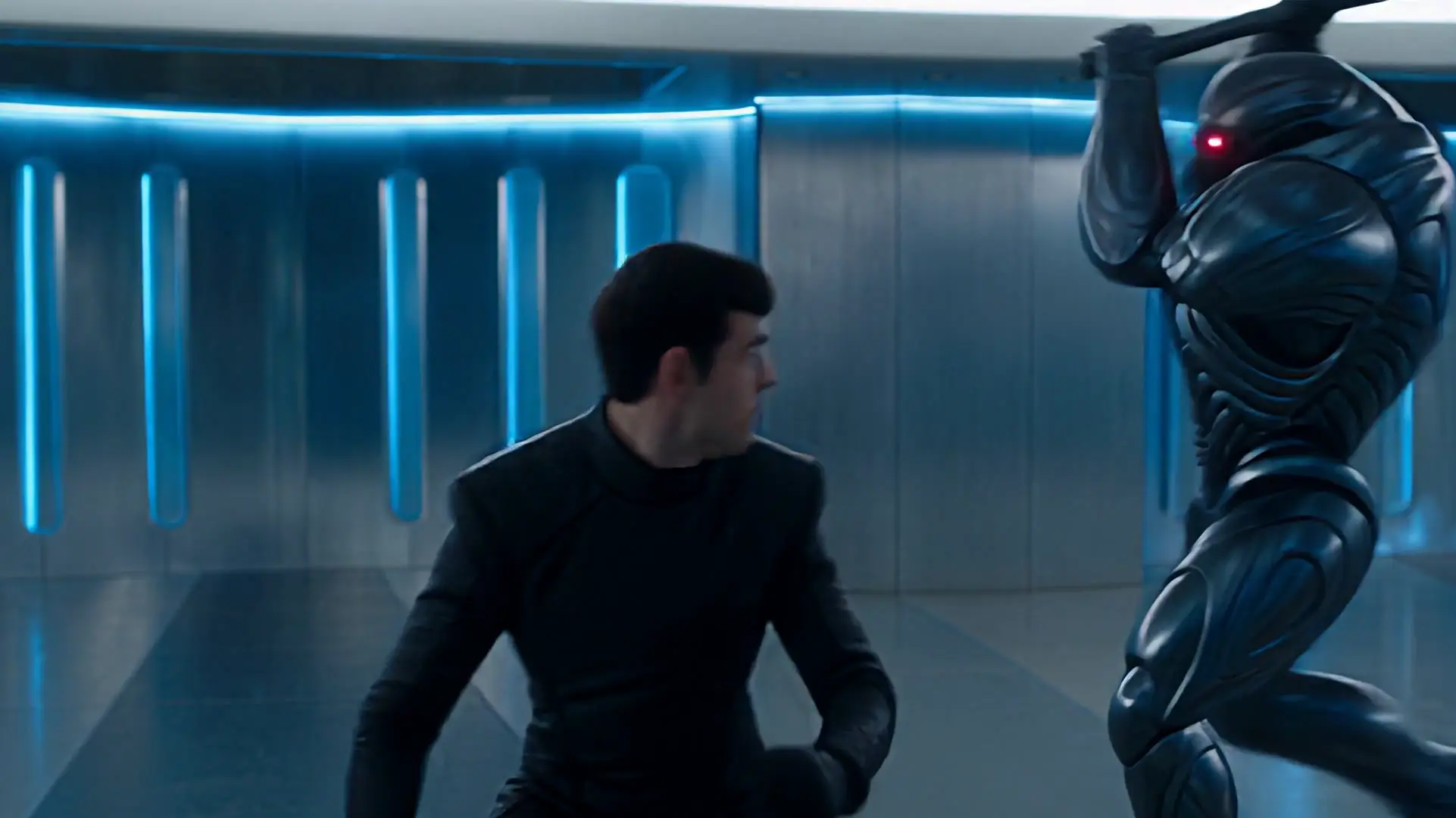
Renaissance Oil Portrait
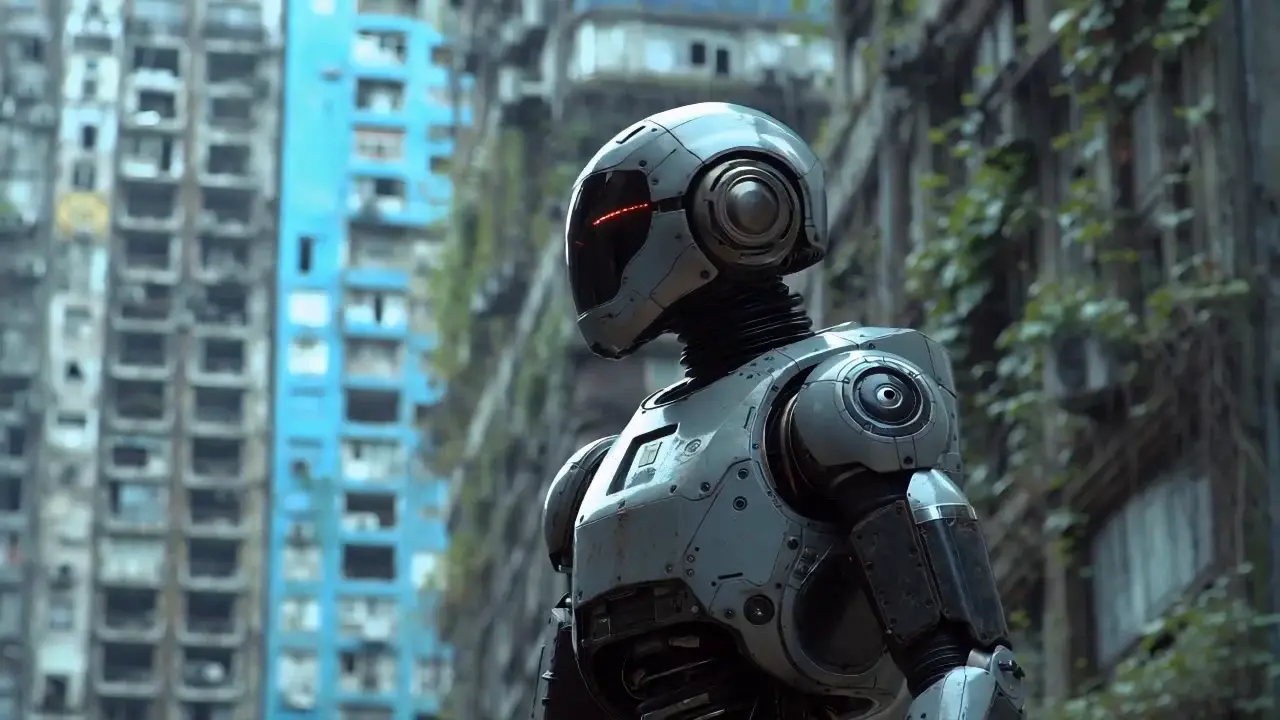
Boarding Pass Mockup
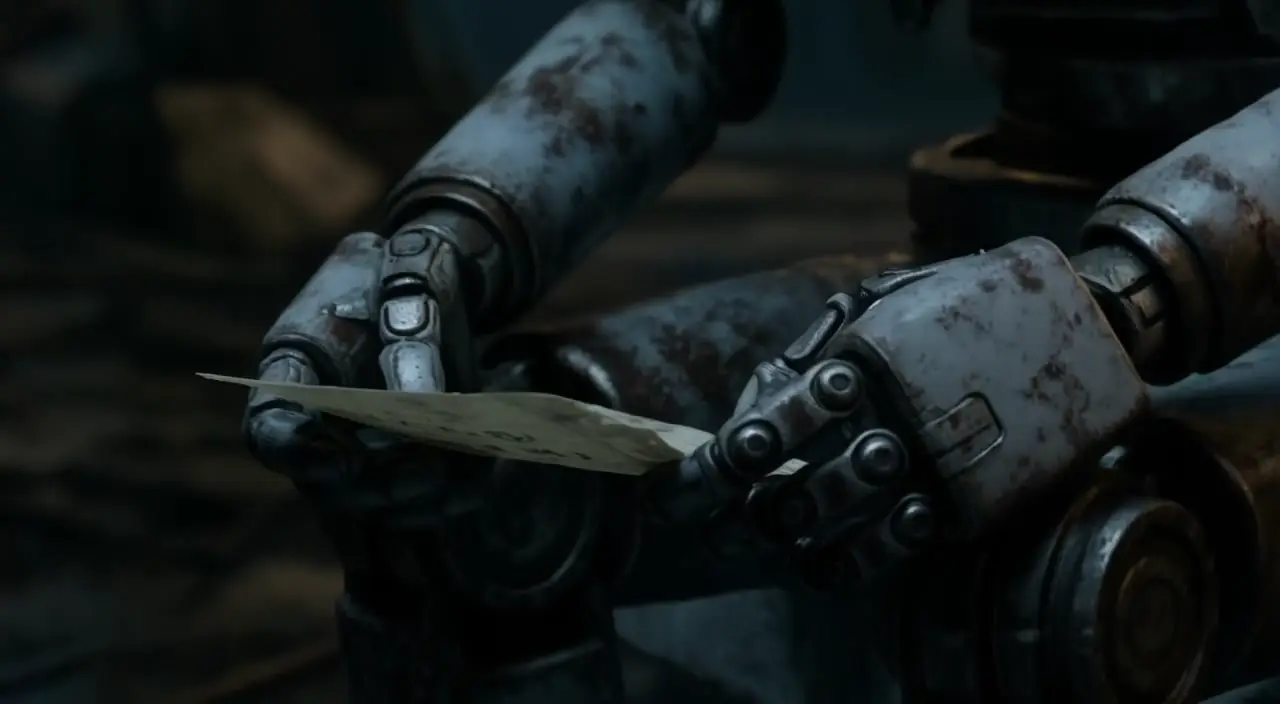
Anime Hero Portrait
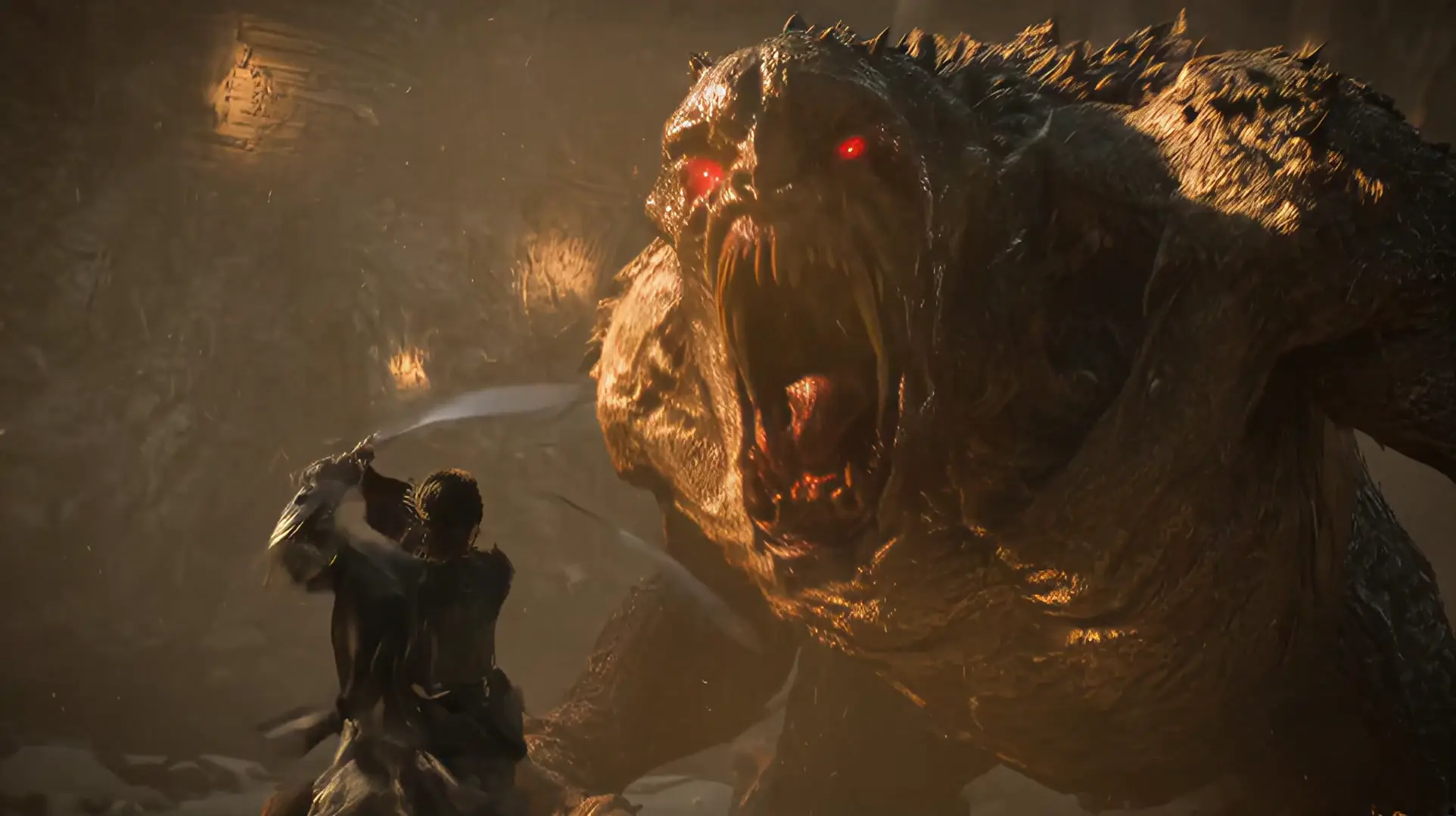
Watercolor Lake Morning
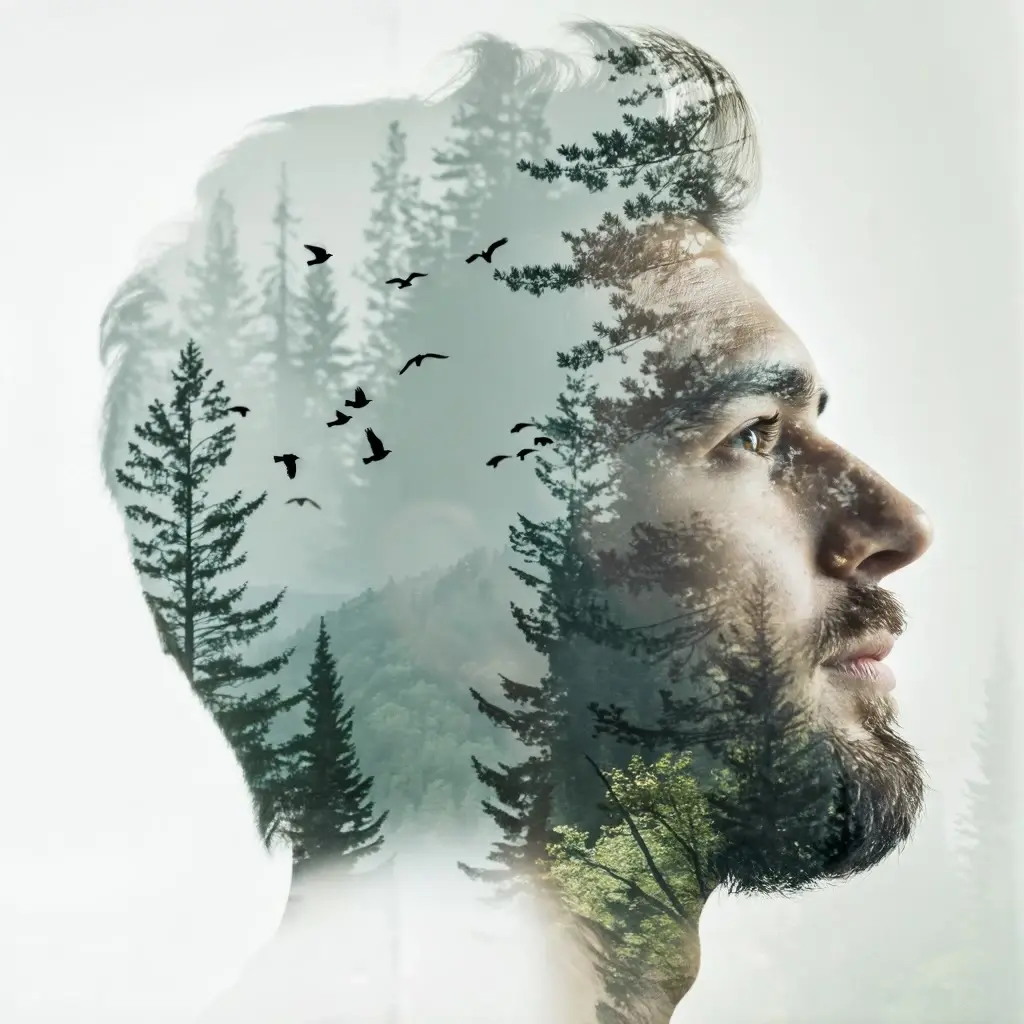
Macro Dew Drop
GPT Images 2.5 vs Other AI Image Models
A quick look at how GPT Images 2.5 compares with other models available on AIImages25.
| Feature | GPT Images 2.5 | Flux | Nano Banana |
|---|---|---|---|
| Image generation | Yes | Yes | Yes |
| Image editing | Strong via chat follow-ups | Strong (Kontext) | Limited |
| Text in images | Strong | Good | Good |
| Speed | Standard | Schnell is fastest | Fast |
| Best for | Instruction fidelity | Drafts & edits | Quick creative tests |
为什么选择 AIImages25
Multiple AI models in one place
Use GPT Images 2.5, Flux, Seedream, Nano Banana and more without switching tools.
Create and edit by chat
Describe changes in follow-up messages instead of rebuilding complex prompts.
Prompt library with examples
Start from curated prompts with preview images and one-click try.
Fast model switching
Change models from the picker and keep working in the same conversation.
Reusable creative workflows
Style transfer, makeup, covers and logos are ready as starting points.
Simple credit system
Pay with credits per generation. Free credits are available to try the product.
常见问题
What is ChatGPT Images 2.5?
ChatGPT Images 2.5 is an AI image generation and editing approach for creating visuals from text and refining them with conversational instructions. It is also called GPT Images 2.5, GPT Image 2.5 or Images 2.5.
Is GPT Images 2.5 free to try?
Yes. AIImages25 offers free credits so you can try image generation before purchasing more credits or a plan. Exact free allowance depends on your account status.
What is AIImages25?
AIImages25 is an AI image generator and editor workspace where you create and refine images by chat using GPT Images 2.5 and other supported models.
Is AIImages25 an official OpenAI product?
No. AIImages25 is an independent platform. It may use OpenAI-based image models where configured, but it is not affiliated with or endorsed by OpenAI as an official product.
How does AIImages25 work?
You describe an image in chat, optionally attach a reference photo, choose a model or Auto, then generate. Follow-up messages let you edit and iterate in the same conversation.
Which AI image models are available?
AIImages25 supports multiple models including GPT Images 2.5 (GPT Image 2), Nano Banana, Flux, Seedream and Qwen Image Edit. See the Models page for the full list and credit rates.
Can I edit an existing photo?
Yes. Upload a reference image on the home composer or in chat, then describe the edit. Editing-focused models such as Flux Kontext Pro or Qwen Image Edit work best for this.
Can I create logos with AIImages25?
Yes. Start from the Logo design preset or a logo prompt, generate variations, then refine typography and layout with follow-up instructions.
Can I create product photos?
Yes. Describe the product, background and lighting, or upload a reference shot and ask for studio-style edits suitable for listings and ads.
Can I use AIImages25 for virtual makeup?
Yes. Use the Virtual makeup preset or describe the look you want. Keep identity consistent by attaching a clear face photo as a reference.
What image sizes and aspect ratios are supported?
You can choose common aspect ratios such as 1:1, 16:9 and 9:16, plus Auto. Supported resolutions include 1K, with 2K/4K available on eligible models for members.
Can I use generated images commercially?
Commercial use depends on your plan and the model provider terms. Paid plans typically unlock broader commercial usage—check Pricing and the Terms of Service for details.
How do credits work?
Each generation spends credits based on model and resolution. Free credits may watermark outputs and publish to the gallery after review. Purchased credits power private, higher-quality runs.
Do I need to sign up before generating?
Yes. Signing in lets AIImages25 track credits, save chats and deliver results securely. New accounts can receive starter credits to try the product.
What is the difference between GPT Images 2.5 and other AI image models?
GPT Images 2.5 focuses on instruction following and text-aware layouts. Flux Schnell is faster for drafts, Flux Kontext is stronger for reference edits, and Seedream targets polished detail. Compare pages list differences by use case.
How do I write a good GPT Images 2.5 prompt?
State the subject, style, lighting, camera/framing and any must-have details. For edits, say what to keep unchanged. Start from the Prompt Library if you want a proven template.
Start creating with GPT Images 2.5
Open the generator above, pick a prompt, and create your first image with AIImages25.
Start generatingAbout the AIImages25 brand
AIImages25 is the public name of this image workspace. It is an independent product for GPT Images 2.5 and other supported models. It is not an official OpenAI, Google, or Black Forest Labs website.
- Model reference: OpenAI image generation documentation
- FLUX model family: Black Forest Labs
- Canonical site: https://aiimages25.com/